New LooksAI by Hairola
See it on you before you book.
Virtual nail try-on, hair color, outfit color and makeup try-on, right on your phone or computer. Pick a look from a pro's photos, add your photo, and see the result in seconds.
Runs on your device. Your photos stay with you unless you choose to share.
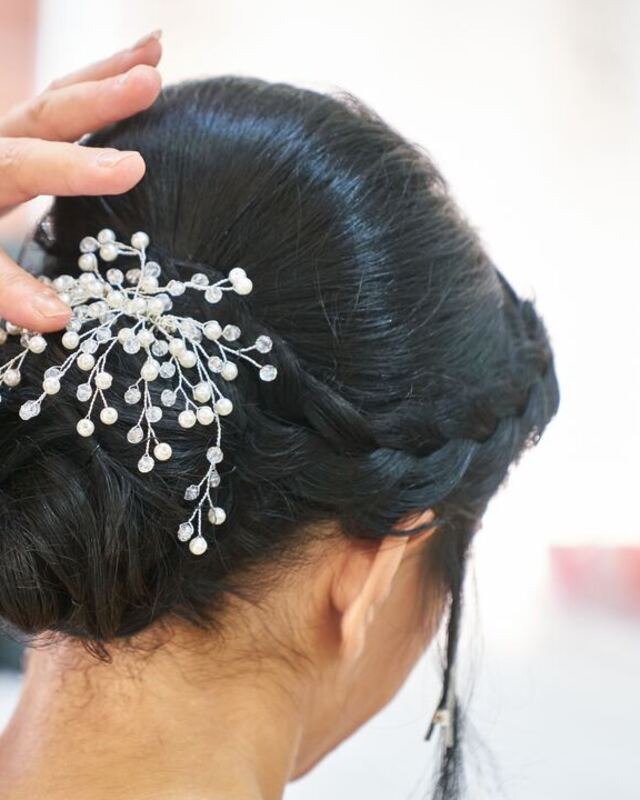
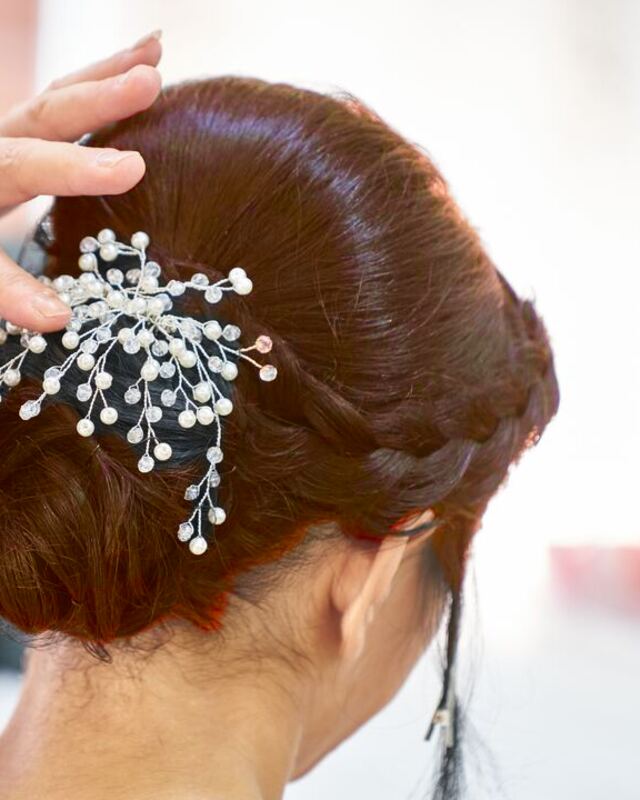
How it works
-
Pick a look
Tap Try this look on a service's photos, choose from your favorites, or upload any photo you like.
-
Add your photo
Take a photo or choose one: your hand for nails, your face for makeup, you for hair and outfits.
-
See it on you
Compare before and after, adjust the intensity, save the picture or share it with your pro in the appointment chat.
Four ways to try a look
Each mode changes one thing and leaves the rest of your photo alone.
-
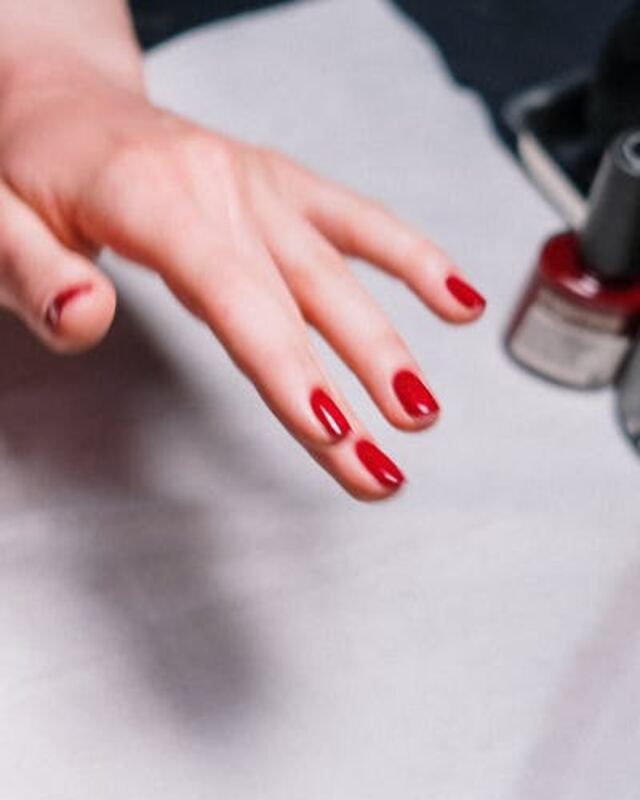
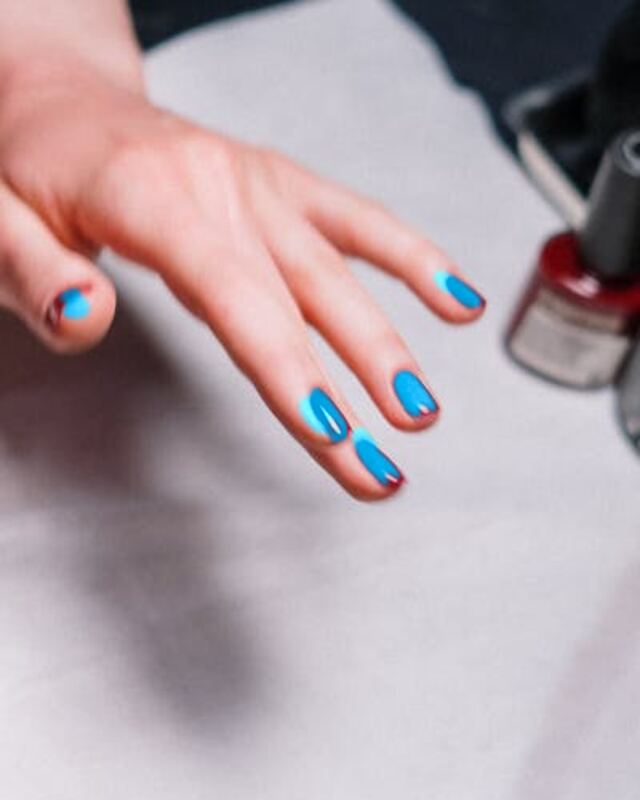
Nails
Polish color, finish and patterns like dots, nail by nail.
-
Hair color
Try a new shade, even ombré, on your own hair. Your cut stays the same.
-
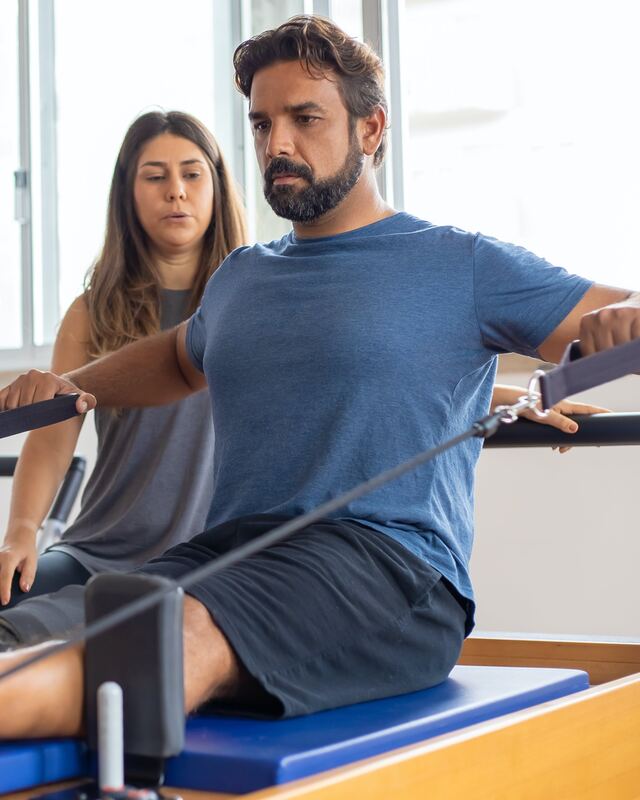
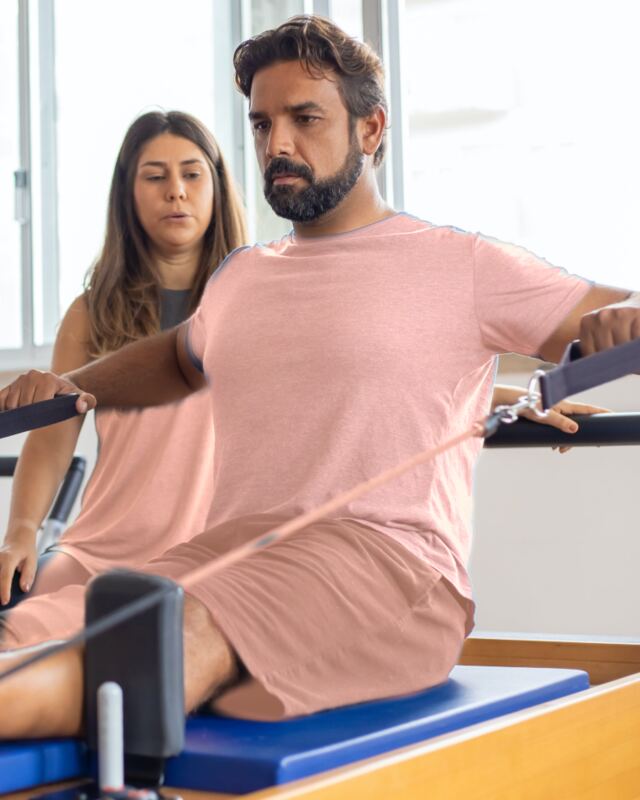
Outfit color & pattern
See your clothes in another color or pattern, with every fold kept.
-
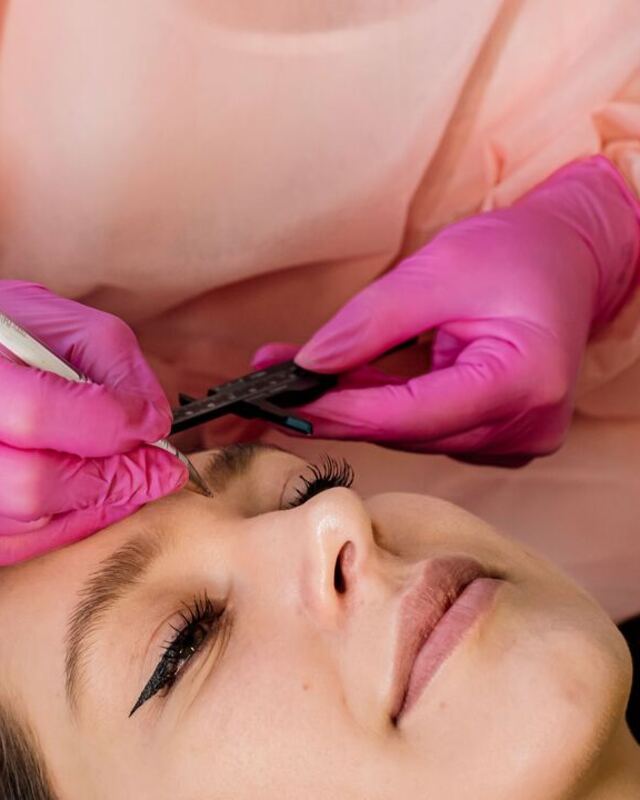
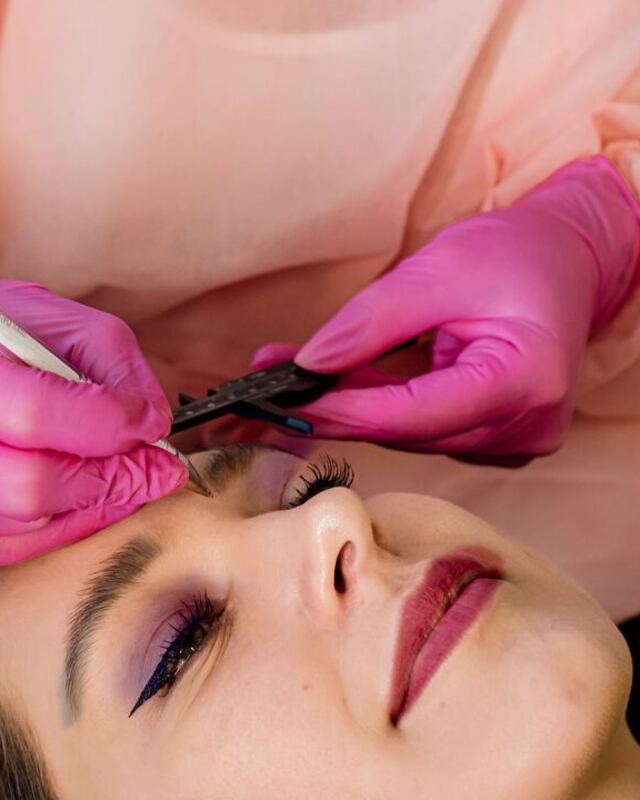
Makeup
Lip color, eyeshadow and brows from a look you love, softly blended.
LooksAI changes colors and patterns. It doesn't change hairstyle shapes or swap clothes yet.
Works on the devices you have
- iPhone and iPad with iOS 16 or newer
- Android phones and tablets with Android 8 or newer and an up-to-date Chrome
- Recent Chrome, Edge, Safari (16+) or Firefox (115+) on a computer
- Inside the My Hairola and Hairola Pro apps
The first time you use a mode, LooksAI downloads about 16 to 28 MB (it tells you the size first), then works from your browser's storage.
Private by design
- LooksAI runs entirely on your phone or computer. Your photos aren't sent to Hairola to be processed.
- Nothing is uploaded unless you tap Share to chat to send a result to your appointment chat.
- We don't keep your photos. Saving a result puts it on your device, not on our servers.
Questions
What is LooksAI?
LooksAI is Hairola's free virtual try-on. It applies a look from one photo, such as a nail color, hair color, outfit color or pattern, or a makeup look, onto a photo of you, so you can see it before you book.
What does it change, and what doesn't it?
It changes colors and patterns: nail polish color, finish and pattern; hair color, including ombré; the color or pattern of your clothes; and lip, eyeshadow and brow color. It doesn't change your hairstyle's shape, cut or length, swap one garment for another, or reshape your face. Those may come later.
Are my photos uploaded?
No. LooksAI runs on your device. Your photos only leave it if you choose Share to chat, which sends the result to your appointment chat like any other photo.
How much does it cost?
Nothing. LooksAI is free on the Hairola website and in the apps.
Which devices does it work on?
iPhone and iPad with iOS 16 or newer, Android phones with an up-to-date Chrome, and recent Chrome, Edge, Safari or Firefox on a computer. If your browser can't run it, LooksAI tells you why and what to use instead.
How accurate is it?
It works best with clear, well-lit photos: the back of your hand with fingers spread for nails, and a front-facing photo for makeup. It's a preview to help you choose, and your pro's work will look a little different.
Ready to see it on you?
Find a look you love and try it before you book.